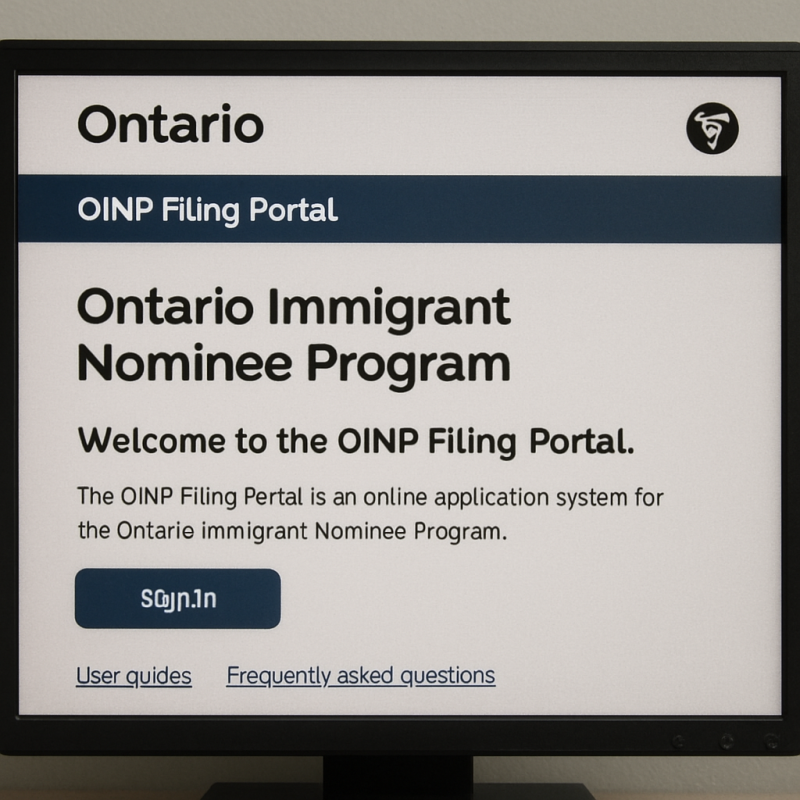
Navigating the Ontario Immigrant Nominee Program (OINP) can be daunting for many applicants. The OINP Filing Portal is an essential tool for those seeking to live and work in Ontario, Canada. This guide will walk you through the process, providing clarity on how to effectively use the OINP portal, manage your Expression of Interest (EOI), and understand the assessment status. Whether you’re an international student or a skilled worker, understanding this process is crucial for a smooth application experience.
The OINP Filing Portal is an online platform where applicants can submit their applications, track their assessment status, and manage their profiles. It’s designed to streamline the Ontario immigration process, making it easier for applicants to navigate the various streams and categories available.

Key Features of the OINP Portal
- Application Submission: The portal allows you to submit your application electronically, reducing the need for paper submissions.
- Profile Management: You can update your personal information and application details through the portal.
- Assessment Tracking: The portal provides updates on your application status, helping you stay informed throughout the process.
How to Log In to the OINP Portal
Accessing the OINP portal requires an account. If you’re new to the system, you’ll need to create one. Here’s a step-by-step guide:
Creating an Account
- Visit the OINP Website: Navigate to the official OINP website and click on the ‘OINP Filing Portal’ link.
- Select ‘Create an Account’: Fill in your personal details, including your email address and a secure password.
- Confirm Your Account: Check your email for a confirmation link. Click the link to verify your account.
Logging In
- Enter Your Credentials: Return to the OINP portal and enter your email address and password.
- Access Your Dashboard: Once logged in, you’ll have access to your personal dashboard, where you can manage your application.

Managing Your Expression of Interest (EOI)
Submitting an Expression of Interest (EOI) is a critical step in the OINP process. Here’s how you can manage your EOI through the portal:
Submitting an EOI
- Log in to Your Account: Ensure you’re logged into the OINP portal.
- Navigate to the EOI Section: Select the option to submit an EOI for your chosen stream.
- Complete the EOI Form: Fill out the form with accurate information regarding your skills, experience, and qualifications.
- Submit the EOI: Once completed, submit your EOI and wait for an invitation to apply.
Checking Your EOI Status
- Regular Updates: The portal provides updates on your EOI status. Check your dashboard regularly to see if you’ve received an invitation to apply.
Understanding the Assessment Status
Once you submit your application, it will go through various assessment stages. Here’s what the different statuses mean:
Common Assessment Statuses
- Submitted: Your application has been submitted and is awaiting initial review.
- In Progress: Your application is currently being reviewed by the OINP team.
- Decision Pending: A decision has been made, and you will be notified soon.
- Approved: Your application has been approved.
- Declined: Unfortunately, your application was not successful.
Understanding these statuses helps you manage your expectations and prepare for the next steps in the immigration process.

by Chris J. Davis (https://unsplash.com/@chrisjdavis)
Stream-Specific Information
The OINP offers various streams for different applicants, including the International Student Stream and others. Here’s what you need to know:
International Student Stream
- Eligibility: Designed for international students who have completed their studies at an eligible institution.
- Processing Time: The processing time can vary. Regularly check your portal for updates on your application status.
Other Streams
Each stream has specific eligibility criteria and processes. Be sure to read the guidelines for your chosen stream thoroughly.
Troubleshooting Common Issues
Navigating the OINP portal can sometimes present challenges. Here are some common issues and solutions:
Portal Access Problems
- Website Not Working: If the OINP website is down, try accessing it later. Regular maintenance can cause temporary outages.
- Login Issues: Ensure you’re using the correct email and password. Use the ‘forgot password’ feature if needed.
Application Errors
- Incorrect Information: Double-check all information before submitting your application to avoid processing delays.
- Technical Glitches: Contact OINP support if you encounter persistent technical issues.
Conclusion
The OINP Filing Portal is a vital tool for anyone looking to immigrate to Ontario. By understanding how to effectively use the portal, manage your EOI, and interpret your assessment status, you can navigate the OINP process with confidence. Remember, preparation and attention to detail are key to a successful application.
For more information, visit the official OINP website or contact their support team for assistance. Good luck with your application journey!