Quick Answer
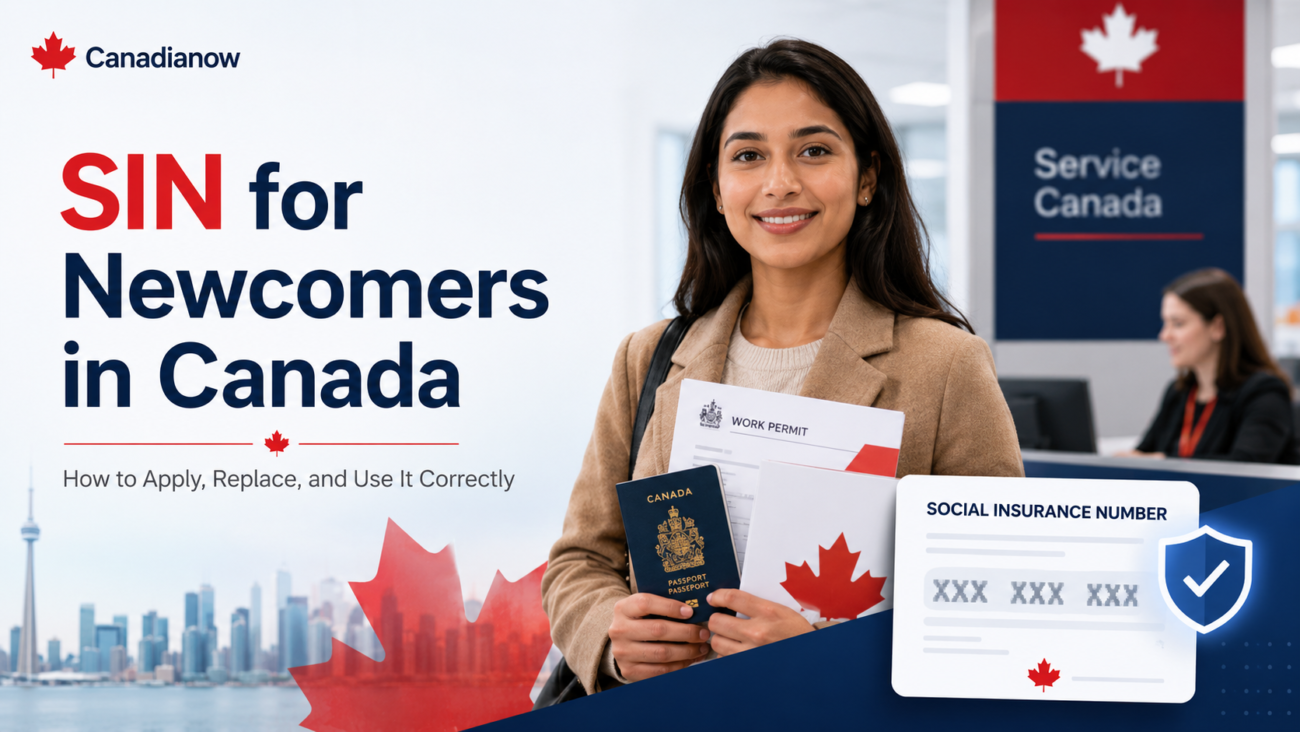
Your Social Insurance Number (SIN) is a 9-digit number you need to work in Canada, file taxes, and access most government services. Apply for it in person at any Service Canada office with your immigration documents. Temporary residents get a SIN starting with 9 that expires when their permit does; permanent residents and citizens get permanent SINs that never expire.
Why Your SIN Matters
You need a SIN to:
- Work for any employer in Canada legally
- File a federal or provincial tax return
- Receive Canada Child Benefit (CCB), Canada Groceries and Essentials Benefit (formerly the GST/HST credit), EI, or CPP
- Open most investment accounts (RRSP, TFSA, RESP)
- Apply for student loans through OSAP or provincial equivalents
- Open a bank account that pays interest (the bank must report interest to CRA using your SIN)
Without a SIN, you cannot legally start work. Your employer is required to ask for it within three days of your start date and to verify it visually. There is no SIN card anymore — only a paper or letter confirmation. This is normal and expected.
Eligibility Snapshot
| Status | SIN type | Expiry |
|---|---|---|
| Canadian citizen | Permanent SIN | Never expires |
| Permanent resident | Permanent SIN | Never expires |
| Work permit holder | Temporary SIN (starts with 9) | Matches permit expiry |
| Study permit holder authorized to work | Temporary SIN (starts with 9) | Matches permit expiry |
| Refugee with status | Depends on status | Varies |
| Visitor or tourist | Not eligible | N/A |
How to Apply In Person at Service Canada
Walk in to any Service Canada Centre with your documents. Most locations process SIN applications same-day, and you usually walk out with your number on a confirmation letter within 15–30 minutes if your paperwork is in order.
Documents you need
Canadian citizens:
- Original Canadian birth certificate or Canadian passport
Permanent residents:
- Confirmation of Permanent Residence (COPR) and either passport or PR card
Work permit holders:
- Valid work permit
- Valid passport
Study permit holders:
- Study permit that explicitly authorizes off-campus or on-campus work
- Valid passport
In all cases, also bring:
- A secondary piece of ID with your name (driver’s licence, provincial photo ID, or another government document)
- Proof of address if your documents do not show a Canadian address
Documents you do not need
- A photo
- Documents translated by an immigration consultant
- A pre-printed application form (Service Canada provides one on site)
How to Apply Online (Limited Cases)
Service Canada accepts some online SIN applications, but most newcomers will be required to provide original documents — meaning in-person is usually the fastest path. If you apply online, your physical SIN confirmation letter is mailed within 10–25 business days.
Temporary SIN: The 9-Series Number
If your SIN starts with 9, it is tied to your immigration document and expires when your permit expires. Important consequences:
- When your permit is renewed or extended, you must visit Service Canada to update your SIN expiry date with proof of the new permit
- If you become a permanent resident, you must apply for a new permanent SIN — the 9-series number does not convert automatically
- Your employer is legally required to verify your SIN expiry and stop paying you if your SIN expires without an update
The CRA flags tax accounts where the SIN expiry has passed — this can delay refunds and benefit payments.
When Your 9-Series SIN Expires or You Become a PR
A SIN starting with 9 expires on the same date as the permit it was issued with. Two situations cause most questions:
- Your permit expired while an extension is being processed. You can keep working on maintained status with the expired SIN, and update it only after the new permit arrives — see my SIN expired on maintained status.
- You became a permanent resident. Service Canada says you must update your SIN record when your status changes from temporary to permanent resident, and permanent residents’ SINs do not start with 9. Your Confirmation of Permanent Residence is accepted as the primary document only within one year of becoming a PR; after that you need your PR card. See the full post-eCOPR checklist.
What to Do If You Lose Your SIN Confirmation Letter
You do not actually lose your SIN number — it is permanent (or for temporary SINs, valid for the permit period). What you lose is the paper confirmation letter.
To replace the letter:
- Visit any Service Canada Centre or apply online with proof of identity
- There is no fee for the first replacement letter
- Your SIN number stays the same
If you forgot your SIN entirely:
- Check your tax documents (T4, T5, Notice of Assessment) — your SIN appears on all of them
- Check your employer’s payroll records
- Contact Service Canada with ID. For security, they will not give the number over the phone but they can confirm it in writing
Common Newcomer Mistakes
- Sharing your SIN by email or text. Employers, banks, and CRA never need your SIN by text. Identity theft using stolen SINs is one of the most common frauds in Canada.
- Giving your SIN to landlords, gyms, or stores. They have no legal right to ask. You can decline politely.
- Not updating your SIN after a permit renewal. Your employer is legally required to stop paying you when your SIN expires.
- Letting someone else apply on your behalf. Service Canada requires the applicant to attend in person in most cases.
- Confusing your SIN with your IRCC unique client identifier (UCI). They are different numbers used by different agencies.
Who Can Legally Ask for Your SIN
By law, only these parties can require your SIN:
- Your employer (payroll and tax reporting)
- The CRA (tax filing and benefits)
- A financial institution that pays you interest (tax reporting)
- Service Canada, ESDC, and other federal programs you apply to
- Provincial agencies operating tax-credited programs
Anyone else who asks — landlords, dating apps, ride-share companies, gyms, retailers, cell phone carriers — you can decline. For cell phone credit checks, carriers can use other government ID.
After You Get Your SIN: First-Week Actions
- Memorize the number or store it in a password manager. Do not save it in plain text on your phone.
- Provide it to your employer in person on day one.
- Update your file with your Canadian bank.
- For 9-series SINs, set a calendar reminder for your SIN expiry date.
FAQ
How long does it take to get my SIN?
In person at Service Canada: usually 15–30 minutes, same day. Online or by mail: 10–25 business days.
Can my employer pay me before I have a SIN?
Your employer is legally required to have your SIN within three days of your start date. They can let you start work, but payroll cannot be processed legally without it.
Does my SIN appear on my pay stub?
Sometimes. Some employers show the full SIN; many now mask all but the last 3 digits. Both are normal.
My SIN is “deactivated” — what does that mean?
Usually it means your temporary SIN expired with your immigration document and was not updated. Visit Service Canada with your current permit to reactivate it.
Sources
- Service Canada — Social Insurance Number
- Employment and Social Development Canada — SIN code of practice
- CRA — Why we ask for your SIN
Written by Caglar Aybas. Reviewed for accuracy and currency. Last reviewed: May 2026.
Not sure how this affects your own eligibility? Get a personalized report on your CRS score and which Express Entry or PNP category actually fits your situation.