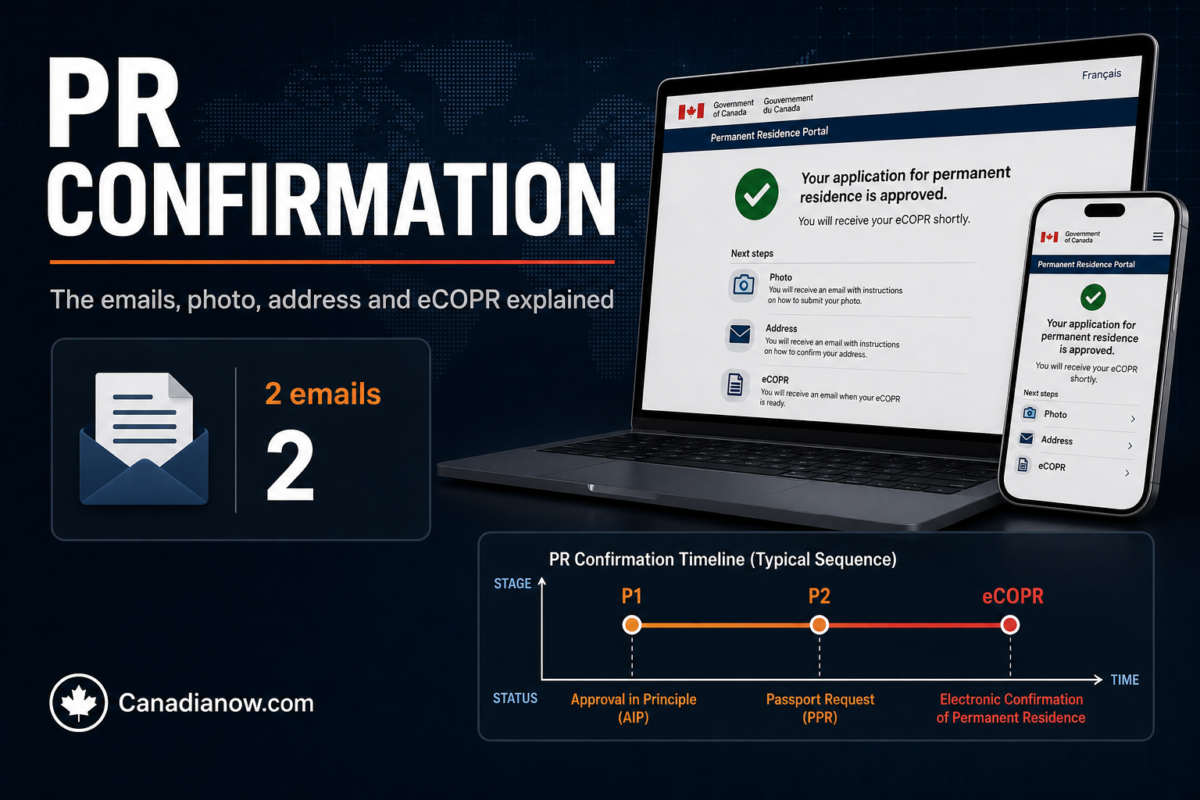
If you applied for permanent residence from inside Canada, your approval does not arrive as a stamped visa. It arrives as a series of emails from IRCC inviting you into the Permanent Residence Portal. Forums call the stages “P1” and “P2,” and a lot of anxiety comes from not knowing what each email means or what to do next. Here is the sequence, in IRCC’s own terms.
Quick Answer
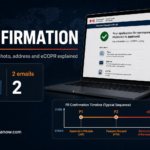
When IRCC is ready to finalize your PR from inside Canada, you get two emails: the first asks for basic information (often called “P1”), and the second tells you IRCC is ready to confirm your PR and gives you portal access (often called “P2”). In the portal you declare that you are physically in Canada, upload a photo that meets IRCC’s specifications and give a Canadian mailing address. IRCC then uploads your eCOPR to the portal — IRCC says this can take up to a few weeks — and mails your PR card to that address. You must be in Canada to confirm; IRCC cannot confirm your status while you are abroad.
This guide explains general rules. It is not legal advice. Community timelines vary widely; only IRCC’s messages apply to your file.
The Steps, in Order
- First email (“P1”): IRCC asks for basic information. Reply to exactly what is asked. If you received duplicates, IRCC says to respond to the most recent one.
- Second email (“P2”): IRCC tells you it is ready to confirm your PR. If you did not apply through the Permanent Residence Portal, you receive a username and temporary password — the password expires after 30 days, so sign in promptly.
- Declare you are in Canada. This is not the moment you become a PR; it tells IRCC you are physically here so it can finalize.
- Upload your photo under “Confirmation of Permanent Residence” → your case → Step 2 → Photo → Add/Edit.
- Enter your Canadian address. IRCC warns that a missing address delays your application. Post office boxes are accepted only for rural applicants.
- Wait for the eCOPR to appear in the portal. You become a PR when it is issued.
Photo Requirements (the Most Common Delay)
IRCC’s portal photos must be:
- taken within the last 12 months, professional and unaltered,
- against a plain white background, with a neutral expression (eyes open, mouth closed, no smiling),
- between 715 × 1000 and 2000 × 2800 pixels, JPEG or PNG, under 4 MB.
You can replace the photo until you submit. A rejected photo delays your PR card. More on PR photo requirements.
If You Are Outside Canada
IRCC says it cannot confirm your permanent resident status while you are outside Canada. If you have to travel, contact IRCC using the email address in your invitation before you leave; you may need a permanent resident travel document to return, depending on how and when your status is finalized. Do not declare you are in Canada if you are not.
If No Email Arrives
- Check spam and junk folders.
- Make sure the email address in your IRCC account is current.
- Contact IRCC through the address in the invitation, or the IRCC web form if you have none.
While You Wait: Keep Your Status
Until the eCOPR is issued, you are still a temporary resident. Your work permit or maintained status must stay valid (options if it is expiring). Tell IRCC about any new family member now — after landing it is too late (why).
After the eCOPR
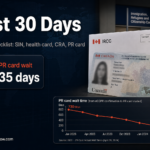
Your next steps — permanent SIN, health card, CRA status, PR card — are in what to do after your eCOPR.
FAQ
Am I a permanent resident after I declare I’m in Canada?
No. IRCC says the declaration does not make you a PR. You become one when your eCOPR is issued.
How long after the portal does the eCOPR arrive?
IRCC says it can take up to a few weeks after you confirm you are in Canada.
Can I use a PO box?
Only if you live in a rural area; otherwise give a street address.